
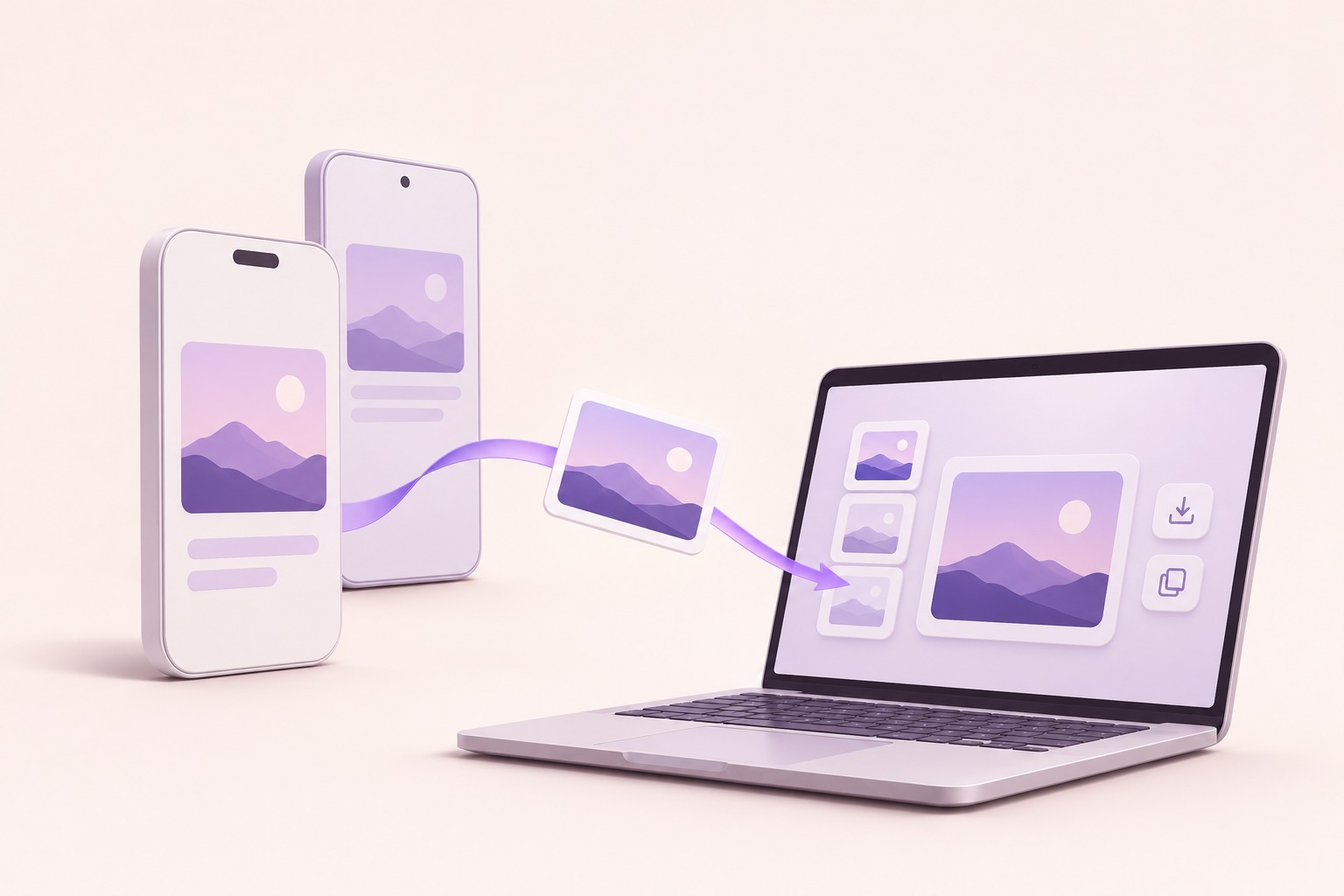
Product facts
- Mac menu-bar app — macOS 14 or later; Apple silicon verified
- Android preview — ADB refresh, approximately once per second depending on the connection
- Image clipboard — Deliberate screenshot copies PNG and TIFF image formats
- Session history — Up to 20 captures in memory, filtered by the selected device
- Price — $4.99 USD one-time purchase for up to 3 Macs
How it works
- Connect — Enable Android USB debugging and authorize this Mac; select the device explicitly.
- View — Keep the live view open or enlarge it in a separate window. Preview does not fill the clipboard or history.
- Capture — Choose Capture and Copy when the phone shows the page you want.
- Use the image — Paste into your chosen app, revisit a session capture, or export PNG.
What it does—and does not do
- Preview
- ADB screenshots refresh periodically; this is not high-frame-rate video or remote phone control.
- iPhone and iPad
- USB capture code is present; physical USB capture has not yet been verified. Wireless iPhone capture is not supported.
- Privacy
- Phone images are processed on this Mac. Clipboard sharing depends on your macOS settings and destination app.
- Release
- Version 0.3.0 is Developer ID signed and Apple notarized. Activation and validation at each launch require internet. The app interface is Simplified Chinese.
PocketShot Product guides
How to capture and copy an Android screen on MacPocketShot iPhone USB capture: setup and current limitsQuestions answered from the product specification
What is PocketShot?
PocketShot is a macOS menu-bar tool for viewing a connected phone screen and deliberately capturing, copying, or saving its current page.
Does Android need an app installed?
No phone app is required. Install Android SDK Platform Tools on the Mac, enable USB debugging, authorize this Mac, then select the phone in PocketShot.
Is this real-time mirroring?
The Android preview refreshes ADB screenshots at approximately one frame per second, plus capture time. It is intended for checking a page before capture, not smooth video or remote control.
Can it capture an iPhone?
A USB iPhone/iPad capture path is implemented using macOS capture APIs, but physical USB verification is still pending. Do not purchase for confirmed iPhone compatibility yet.
Are screenshots uploaded?
PocketShot has no screenshot-upload path. Captures stay in memory until you copy or save them. macOS clipboard synchronization and the app you paste into have their own data handling.
How much does PocketShot cost?
$4.99 USD as a one-time purchase for up to 3 Macs. Sign in to Omuuz to buy and download the notarized Apple silicon DMG. Activation and validation at each app launch require internet; the app interface is Simplified Chinese.
Can it bypass a protected black screen?
No. Protected content may be blank in the system capture. PocketShot does not bypass a phone app’s screen-capture protection.
Fact-check note
Reviewed against PocketShot 0.3.0 source, Developer ID signing and Apple notarization, production license activation/status/deactivation, email-job success and private DMG checksum verification. Android capture was verified in the 0.2 hardware record; iPhone USB hardware verification is pending. Illustrations are conceptual.