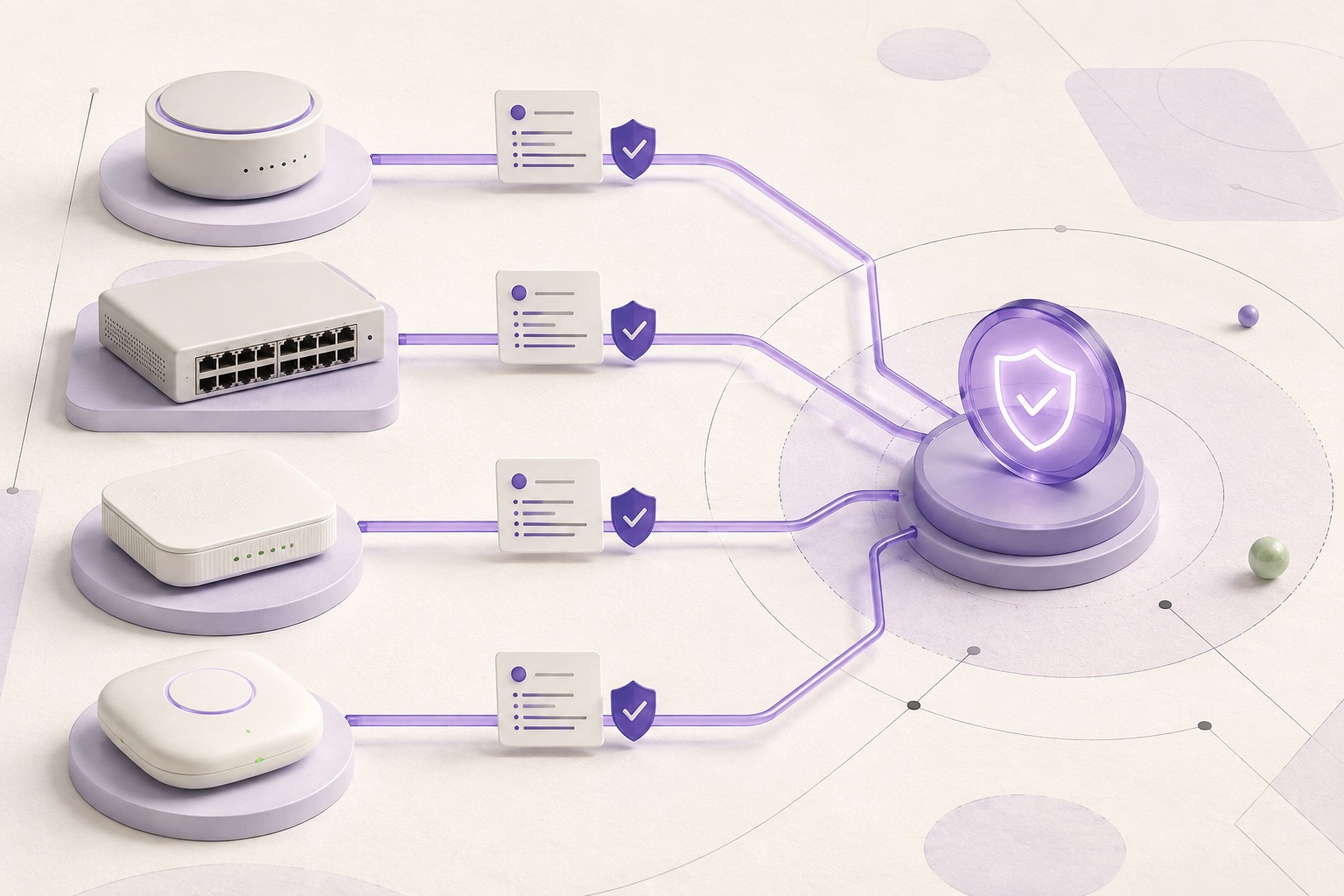
How to back up router and switch configurations safely
Collect the authoritative running or startup scope, verify completeness, and preserve the original evidence in encrypted history.
Direct answer
A reliable network-device backup is more than command output. Identify the exact device and configuration authority, use a fixed read-only SSH CLI or NETCONF plan, verify that the requested scope completed, then encrypt the configuration and its collection evidence as one snapshot. ConfigVault never treats a partial capture as a clean baseline.
When this guide applies
- Keep recoverable configuration evidence before a planned network change.
- Capture routers, switches, wireless controllers, or managed AP domains on a schedule.
- Distinguish an authoritative live collection from a manually imported text file.
Step-by-step review
Define the configuration authority
Choose running, startup, candidate, controller policy, or another named scope that actually exists on the target platform.
Select the exact profile
Bind the device to a network OS family, role, transport, deployment mode, and management plane instead of selecting only a vendor logo.
Verify the endpoint
Compare the SSH host-key fingerprint through a separate trusted channel before pinning it; key scanning alone does not establish trust.
Run a bounded read-only plan
Collect identity facts and configuration with fixed SSH CLI or NETCONF operations and explicit output limits.
Check completeness before baseline
Review prompt return, byte and line counts, requested scopes, parser coverage, warnings, and missing evidence before accepting the encrypted snapshot.
How network configuration works here
Running and startup are separate questions
Some platforms keep active and boot-time configuration separately; a complete policy names which scopes must be captured.
Collection evidence travels with the snapshot
Transport, commands, device fingerprint, output bounds, completeness, parser version, and limitations make the backup reviewable later.
A schedule does not guarantee success
Authentication, privilege, reachability, paging, prompts, and firmware behavior can still leave a scheduled capture incomplete.
Where ConfigVault backup data comes from
| Source | What it can establish | Important boundary |
|---|---|---|
| SSH CLI | Device facts and named configuration command output | Trusted only for the exact commands, scope, and completed session |
| NETCONF | A requested datastore or subtree returned by the device | Semantic interpretation stays opaque until device-specific models are verified |
| Manual import | The text supplied by the operator | Cannot prove endpoint identity, transport, freshness, or collection completeness |
| REST | No built-in ConfigVault profile currently exposes it | A library runner is not a verified device-support claim |
Risks and actions to avoid
Do not use unrestricted administrator credentials
Create the narrowest read-only account that can return the required facts and configuration scopes.
Do not trust a first-seen key automatically
Verify the fingerprint out of band before accepting it as the device identity.
Do not label imports as live captures
Imported text can be useful evidence, but it lacks live transport and completeness proof.
What the Omuuz product can—and cannot—do
What it can do
ConfigVault can run fixed read-only SSH CLI or NETCONF plans, record collection evidence, and store accepted snapshots encrypted.
What it cannot do
It cannot guarantee support from a vendor name, prove an unverified host key, recover a scope the account cannot read, or push configuration changes.
Product evidence