How to audit network configuration changes with semantic diff
Compare stable configuration objects, retain source evidence, and keep unsupported syntax visible instead of reducing an audit to changed lines.
Direct answer
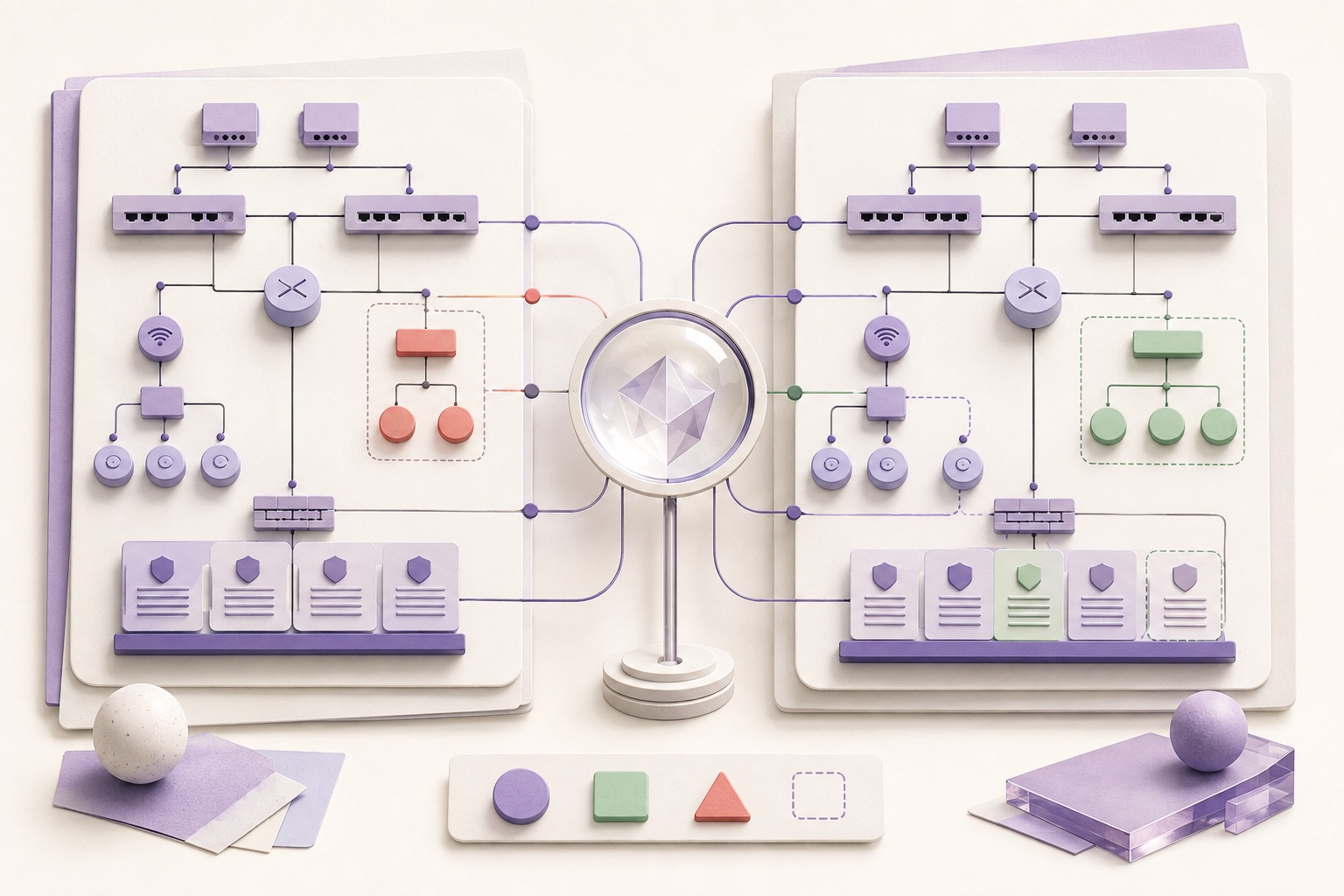
A network configuration audit should answer which object changed, how it changed, where the evidence came from, and how complete the interpretation is. ConfigVault normalizes supported SSH CLI syntax into stable objects, reports added, removed, modified, and reordered objects, links each conclusion to source lines, and keeps unknown syntax as opaque evidence that can lower confidence.
When this guide applies
- Review the effect of a maintenance window without reading a noisy line diff.
- Identify changes to interfaces, VLANs, access lists, routing, or services when those object types are supported.
- Separate a confident semantic conclusion from a change that includes unknown or incomplete syntax.
Step-by-step review
Choose two comparable snapshots
Use the same device identity, configuration authority, logical scope, and compatible parser evidence.
Check capture quality first
Resolve incomplete scopes or support warnings before interpreting the content diff.
Review semantic object changes
Inspect added, removed, modified, and reordered objects by stable identity rather than line position.
Open the source evidence
Trace every reported object change back to the captured lines and snapshot metadata.
Account for opaque coverage
Treat unknown syntax and high-risk opaque changes as limitations; do not convert them into a clean no-risk conclusion.
How network configuration works here
Semantic diff reduces formatting noise
Whitespace, banners, timestamps, and command-output framing should not become policy changes when the verified normalizer classifies them safely.
Stable identity makes changes comparable
An interface or access-list entry is compared as an object with attributes, not as an accidental line number.
Confidence belongs in the result
Parser coverage, unknown syntax, scope completeness, and evidence level determine how strongly the audit can speak.
What ConfigVault audits
| Change class | Meaning | Evidence retained |
|---|---|---|
| Added | A stable configuration object appears in the later snapshot | Later source lines and object identity |
| Removed | A stable object is absent from the later snapshot | Earlier source lines and object identity |
| Modified | The same object identity has different supported attributes | Before and after attributes plus source lines |
| Reordered | Ordering changed where order can affect policy behavior | Earlier and later positions |
| Opaque | Syntax changed without a verified typed interpretation | Redacted fingerprint, counts, location, and risk class |
Risks and actions to avoid
Do not compare different authorities as one timeline
Running, startup, controller, and cloud desired state can describe different sources of truth.
Do not hide unknown syntax
Dropping unparsed lines can create a false statement that nothing important changed.
Do not treat change as causation
A snapshot comparison shows configuration state differences; it does not prove who changed them or why.
What the Omuuz product can—and cannot—do
What it can do
ConfigVault can produce deterministic object-level changes for supported SSH CLI syntax and conservative opaque structural changes for NETCONF XML.
What it cannot do
It cannot infer intent, identify the human actor from configuration alone, or claim typed NETCONF semantics before device-specific models are verified.
Product evidence