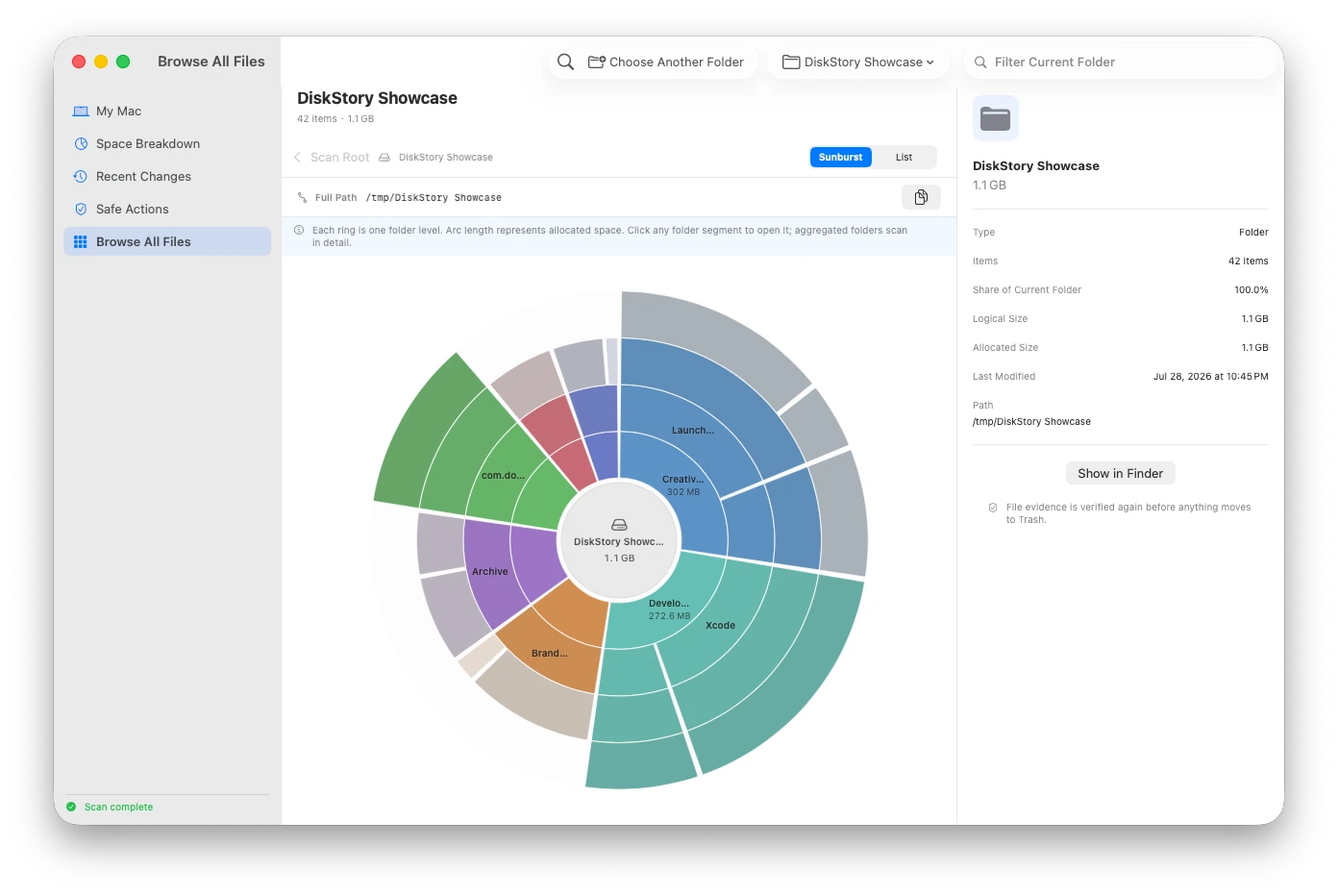
How to find large files without reading their contents
Use names, paths, types, allocated size, and modification time to rank storage impact while keeping contents out of the scan.
Direct answer
A storage analyzer does not need to open a document, photo, archive, or source file to identify its storage impact. File-system metadata is enough to rank candidates, but the path, owner, age, risk, and recovery route still matter before any action.
When this guide applies
- Your Mac is low on storage and you want a path-level list rather than a broad category total.
- Downloads, archives, media, or developer data may have grown, but you do not want a tool reading file contents.
- You need to distinguish personal files from generated data before deciding what to keep or review.
Step-by-step review
Choose the scope
Scan the startup disk or a folder you intentionally select. Record whether protected locations were readable.
Rank by allocated size
Use physical allocation as the primary storage signal and retain logical size only as additional context.
Keep identity beside size
Review the full path, item type, modification time, owning app or workflow, and whether the item is personal or generated.
Decide outside the ranking
A high rank means the item has storage impact; it does not mean the item is unnecessary or safe to remove.
Reverify before moving anything
Check that path, type, size, scope, and symlink boundaries still match the reviewed evidence immediately before an action.
Technical context
Keep the path beside the size
A large number without its source is not decision-grade evidence. Review the exact path and which application is responsible for the item.
Separate generated data from personal content
Known generated locations such as Xcode DerivedData can have a regeneration story. A large personal file remains a user decision, not an automatic recommendation.
Revalidate immediately before an action
DiskStory checks identity, type, modification time, allocated size, scope boundaries, and symlink boundaries again before a supported move to Trash.
Risks and actions to avoid
Large files may be irreplaceable
Photos, project assets, virtual machines, archives, and local backups can be important even when they dominate the ranking.
Metadata cannot explain content value
A privacy-preserving metadata scan can show size and location, but the user still decides whether personal content is needed.
Links and changing paths need revalidation
Symlinks, aliases, moved files, and concurrent app activity can make an earlier observation stale.
What the Omuuz product can—and cannot—do
What it can do
DiskStory can rank observed items using file-system metadata, preserve the exact path and scope, and revalidate supported candidates before a reversible move to Trash.
What it cannot do
DiskStory does not read file contents to judge importance, automatically recommend personal files for deletion, or permanently delete supported items.
Product evidence