What is taking up space on my Mac?
Compare physical usage, observed files, permission gaps, and unexplained space without turning the remainder into a cleanup promise.
Direct answer
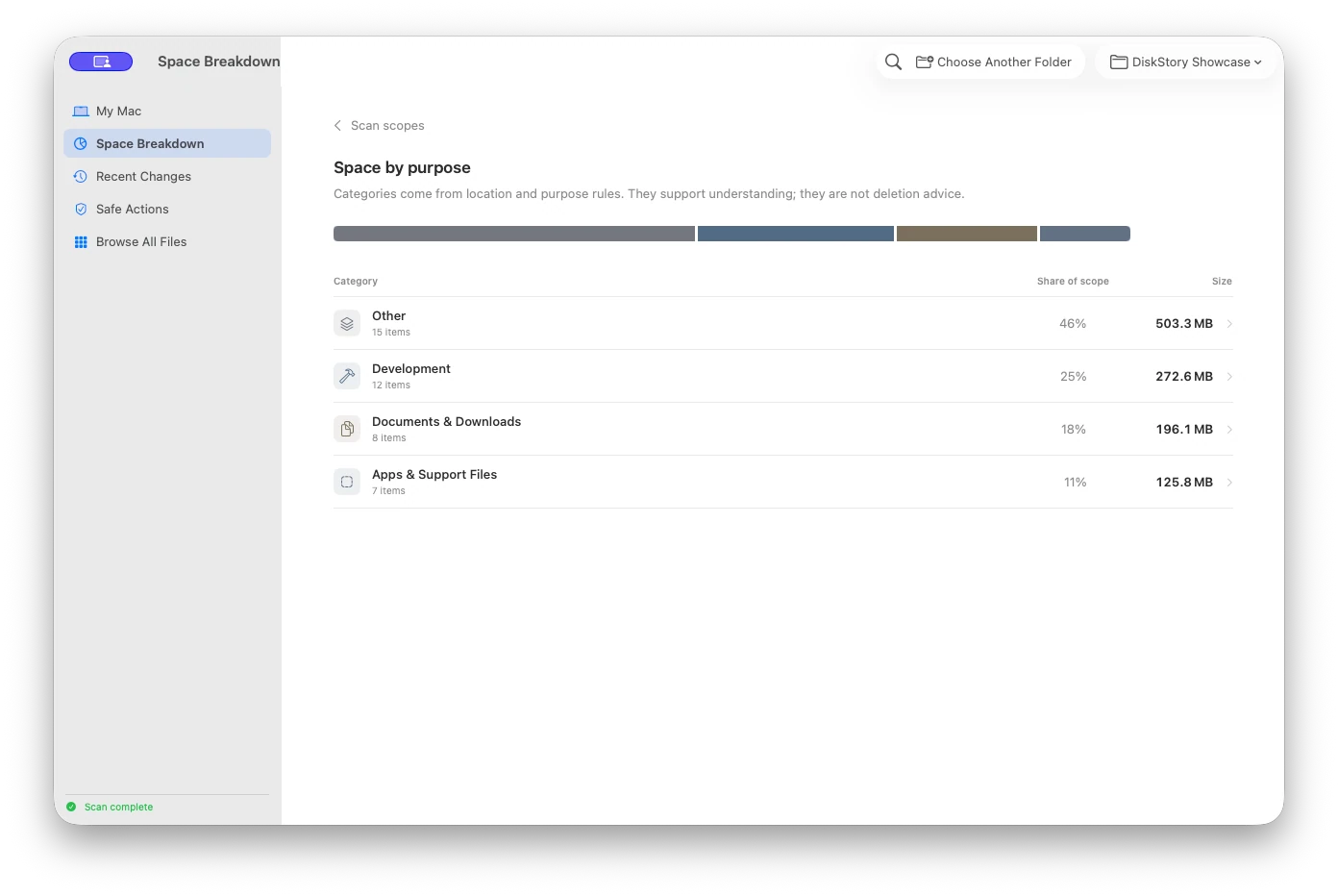
Start with three separate numbers: the file system’s physical used space, the allocated size of files the scan could observe, and the remainder that cannot yet be attributed. The remainder can include APFS snapshots, file-system overhead, auxiliary volumes, clones, and unreadable locations.
When this guide applies
- System Settings reports more used storage than the visible files you can account for.
- System Data or another broad category has grown and you need evidence before deciding what to review.
- You want to compare a storage scan with macOS without assuming every unexplained byte can be removed.
Step-by-step review
Record the macOS total
Open System Settings → General → Storage and note the used and available values before changing anything.
Scan one stable scope
Use the startup disk or a deliberately selected folder. Keep the scope unchanged so later comparisons describe the same boundary.
Separate three measurements
Compare physical used space, observed allocated file size, and the remaining unaccounted difference instead of merging them into one total.
Review coverage gaps
Inspect unreadable paths, auxiliary volumes, and excluded boundaries. A failed read is missing evidence, not an empty folder.
Rescan after a supported action
If you move a supported item to Trash, rescan the original scope and keep the Trash state visible in the result.
Technical context
Use allocated size for physical impact
Logical size can mislead for sparse files, compressed data, and clones. DiskStory keeps allocated size as the primary storage measure while retaining the scope and path behind the number.
Treat unreadable paths as evidence gaps
A permission error is not a zero-byte folder. Full Disk Access can remove some TCC restrictions, but it cannot bypass every Unix permission, SIP rule, or private Data Vault.
Do not call the remainder reclaimable
The difference between physical usage and observed files is an accounting remainder. It should not generate a removal recommendation until a specific, supported rule identifies an exact path.
Risks and actions to avoid
Unexplained does not mean disposable
APFS snapshots, purgeable space, clones, file-system metadata, and unreadable locations can all affect the remainder.
Categories can overlap conceptually
A macOS storage category and an app-level scan may group the same data differently, so category labels are not exact path ownership.
Trash is still allocated storage
Moving a file to Trash is reversible, but Apple notes that its storage is not released until Trash is emptied.
What the Omuuz product can—and cannot—do
What it can do
DiskStory can map observed allocated space, preserve paths and scope, expose coverage gaps, and compare supported local snapshots.
What it cannot do
DiskStory cannot prove that the accounting remainder is safe to remove, bypass macOS protections, or describe unreadable data as scanned.
Product evidence