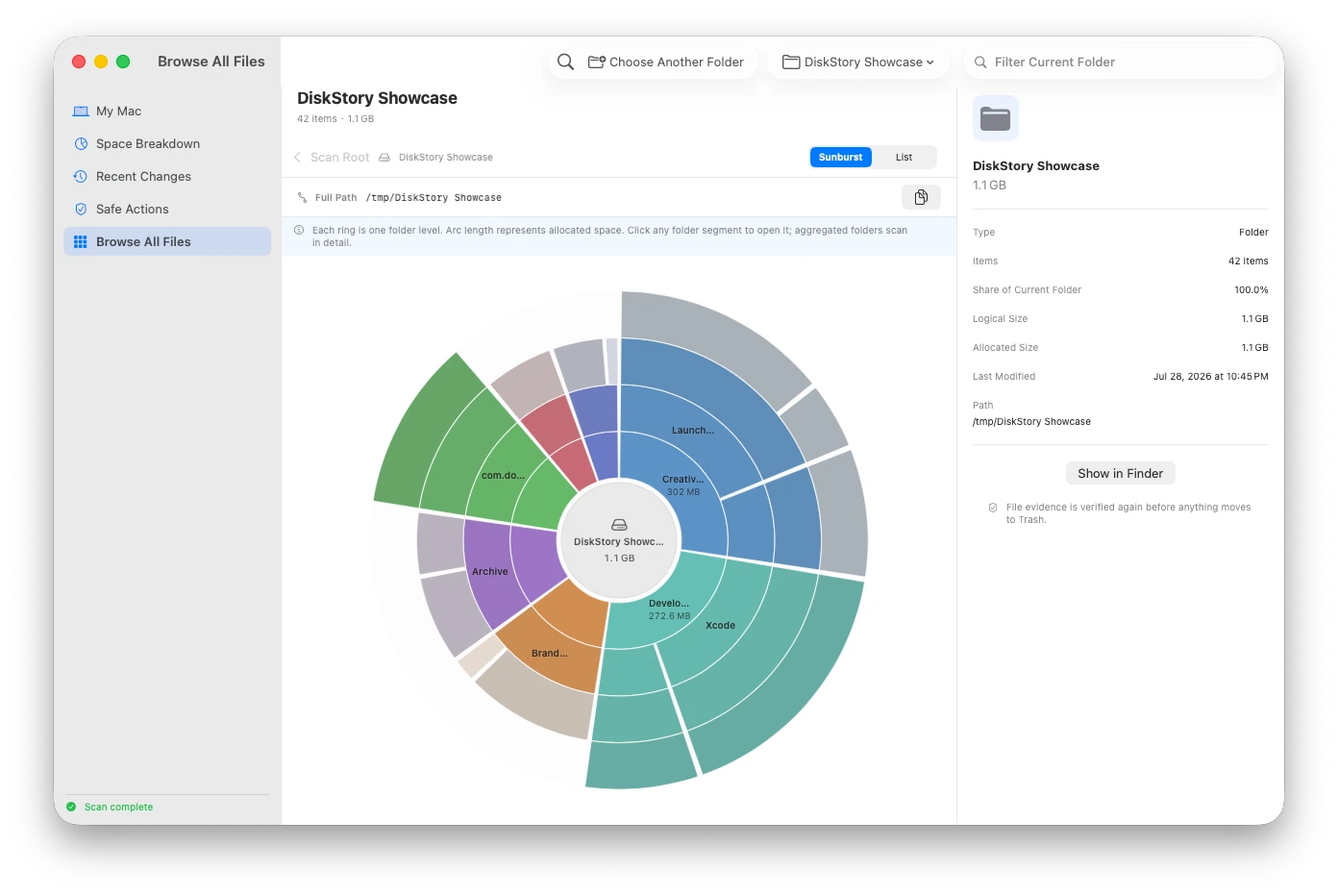
Logical size vs allocated size on Mac: why the numbers differ
Separate apparent file length, allocated storage, whole-volume usage, and the remaining accounting gap before drawing a cleanup conclusion.
Direct answer
Logical size describes the length of a file’s data, while allocated size describes storage blocks macOS reports for that observed item. Compression, sparse files, clones, hard links, file-system metadata, and snapshots mean neither number alone equals the bytes that would become available after removal.
When this guide applies
- Finder, Disk Utility, and a storage scanner show different size values for the same file or folder.
- A sparse file, compressed file, clone, virtual machine image, or package appears much larger or smaller than expected.
- You need to estimate storage impact without presenting observed allocation as guaranteed reclaimable space.
Step-by-step review
Keep the scope and path visible
Compare measurements only after confirming that each tool refers to the same item, folder boundary, volume, and point in time.
Read logical size as apparent data length
Use it to understand how much file data is represented, not how many physical blocks are exclusively owned.
Use allocated size for observed storage impact
Rank observed files and folders by the allocation macOS reports, while retaining logical size as supporting evidence.
Reconcile against the volume separately
Compare observed allocated files with physical file-system usage instead of expecting their sum to equal the volume total.
Verify the result after a reversible action
If a supported item is moved to Trash, rescan the same scope and keep the Trash state visible; do not claim immediate recovery.
Technical context
Logical size is not physical ownership
A file can represent a long byte stream without occupying an equal number of exclusive blocks, especially when it is sparse or compressed.
Allocated size is observation, not a deletion promise
DiskStory uses allocation reported by macOS to compare storage impact. APFS shared extents and other file-system behavior can prevent that value from becoming immediately available after one path is removed.
The volume total includes more than visible files
Physical used space can also reflect snapshots, metadata, auxiliary volumes, unreadable locations, and allocation that cannot be attributed to one observed path.
Four measurements that should not be merged
| Measurement | What it means | How to use it |
|---|---|---|
| Logical size | The apparent length of file data. | Understand represented data; do not treat it as physical usage. |
| Allocated size | Blocks macOS reports for an observed item. | Compare path-level storage impact while preserving file-system caveats. |
| Physical used space | Whole-volume usage derived from capacity and immediately available space. | Reconcile the volume; do not expect a visible-file sum to match it exactly. |
| Unaccounted remainder | Physical usage not attributed to observed files. | Investigate snapshots, metadata, exclusions, and access gaps; never label it removable by default. |
Risks and actions to avoid
Shared storage breaks simple subtraction
Removing one APFS clone or hard-linked path may not release blocks still referenced elsewhere.
Folder totals depend on the scan boundary
Excluded volumes, unreadable paths, packages, aggregation limits, and a changed scope can make two totals incomparable.
Trash still owns allocation
A reversible move changes the path but usually does not make the corresponding space available until Trash is emptied.
What the Omuuz product can—and cannot—do
What it can do
DiskStory can show logical and allocated size together, use allocated size for path-level ranking, preserve the scan scope, and reconcile observed files against physical volume usage.
What it cannot do
DiskStory cannot split every APFS shared extent, guarantee that allocated size equals reclaimable space, or turn an accounting difference into a deletion recommendation.
Product evidence