Which video formats TrimProof supports
Check the exact container, video, audio, track, color, protection, and destination requirements.
Direct answer
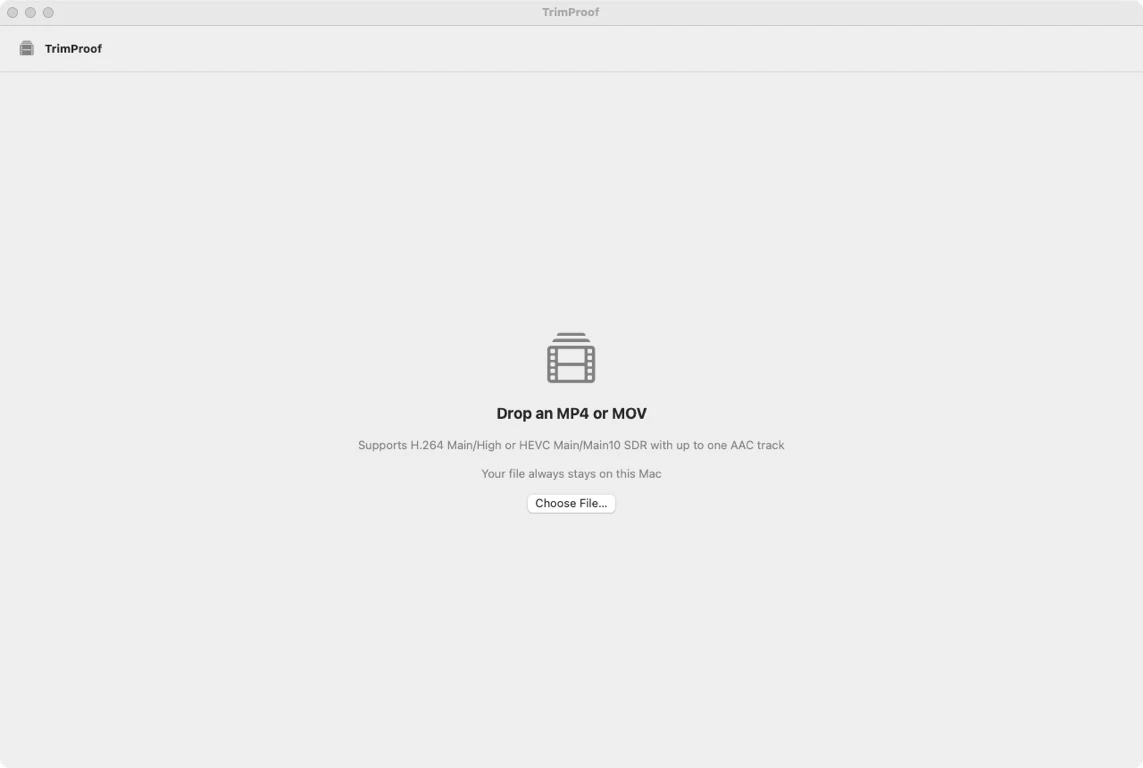
TrimProof accepts one local, non-DRM, non-fragmented MP4 or MOV with exactly one H.264 Main/High or HEVC Main/Main10 SDR video track and zero or one AAC track. It rejects extra media tracks, HDR or Dolby Vision, spatial or multiview video, and unsupported profiles.
When this guide applies
- Check whether a camera, phone, or screen-recording file fits.
- Explain why a playable file is rejected.
- Prepare a source without trusting its extension alone.
Step-by-step review
Check the container
Use a normal local MP4 or MOV, not fragmented or protected media.
Check video
Use exactly one H.264 Main/High or HEVC Main/Main10 SDR track.
Check audio
Use no audio or one AAC track.
Remove extras elsewhere
Subtitles, captions, timecode, metadata tracks, HDR, spatial, and multiview media are unsupported.
Let preflight decide
TrimProof inspects the actual asset before editing.
Technical context
The extension is only a hint
A suffix does not reveal every codec, profile, track, color, fragmentation, or protection property.
A narrow boundary protects the claim
The supported set enables deterministic compressed-sample copying and verification.
Output keeps the container family
TrimProof trims; it does not convert containers, codecs, profiles, or color systems.
TrimProof 1.0 input boundary
| Area | Accepted | Rejected examples |
|---|---|---|
| Container | MP4 or MOV | Other containers, fragmented media, DRM |
| Video | One H.264 Main/High or HEVC Main/Main10 SDR track | Other profiles or multiple tracks |
| Audio | Zero or one AAC track | Other codecs or multiple tracks |
| Additional media | None | Subtitles, captions, timecode, metadata |
| Color and view | SDR, single view | HDR, Dolby Vision, spatial, multiview |
Risks and actions to avoid
Do not rename to force support
An extension change does not change the media inside.
Playback is not passthrough proof
A player may decode combinations TrimProof intentionally rejects.
Do not bypass protection
TrimProof rejects DRM and does not remove access controls.
What the Omuuz product can—and cannot—do
What it can do
TrimProof can preflight its documented MP4/MOV subset and explain an unsupported condition before export.
What it cannot do
It cannot transcode, normalize, repair, decrypt, flatten fragmented media, remove tracks, or convert unsupported assets.
Product evidence