
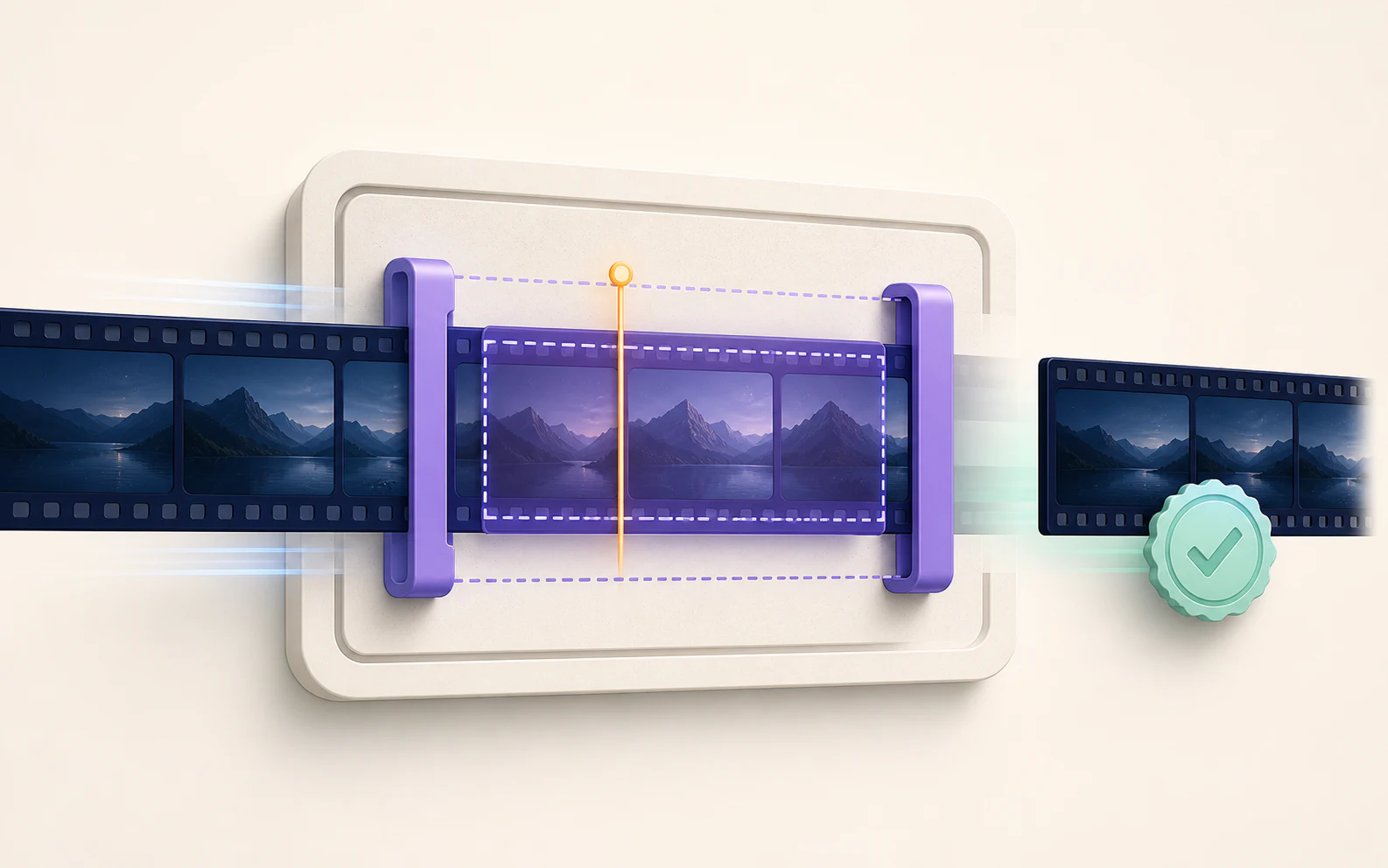
TrimProof Product tour
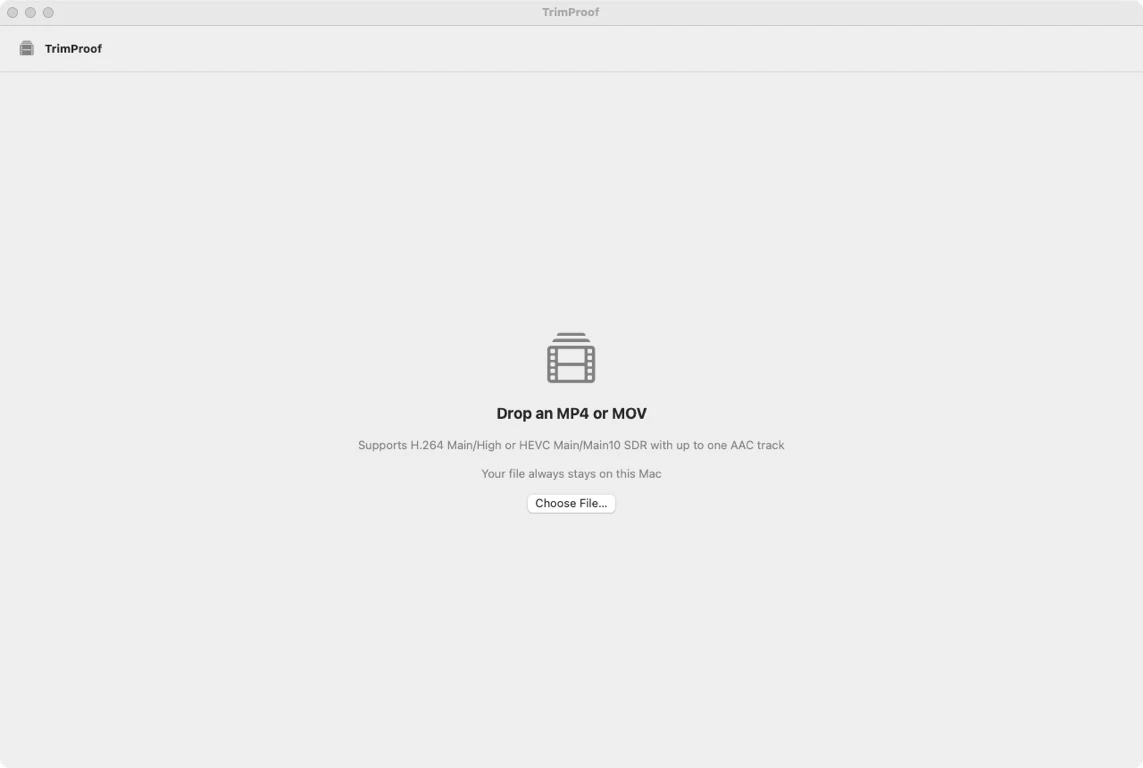
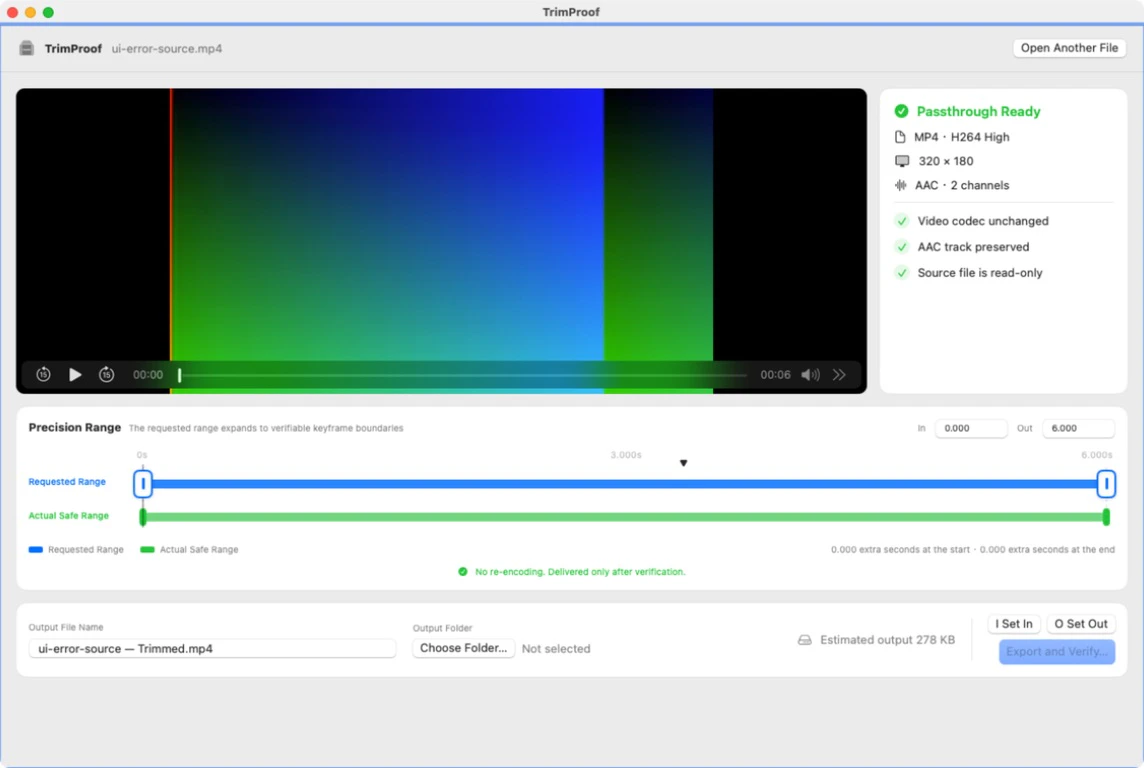
Real English-interface screenshots from the current product repository, shown with privacy-safe sample data.
Product facts
- Native macOS workflow — SwiftUI and AVFoundation on macOS 15+
- Passthrough scope — One supported MP4 or MOV; same-container output; no re-encoding
- Visible safe boundaries — The requested range expands to conservative full-GOP boundaries
- Verified delivery — Compressed video and AAC payload proof, edge decoding, and atomic final delivery
How it works
- Choose one file — Drop or select a supported local MP4 or MOV; compatibility is checked before export.
- Set the requested range — Preview, seek, step by real frames, or use keyboard controls to mark one continuous range.
- Review the safe range — Compare the requested range with the conservative full-GOP range that can remain compressed and unchanged.
- Export and verify — TrimProof writes a hidden partial, verifies compressed video and AAC payloads, then atomically reveals the final file.
What it does—and does not do
- Input
- One local, readable, non-DRM MP4 or MOV
- Video
- Exactly one H.264 Main/High or HEVC Main/Main10 SDR track
- Audio
- Zero or one AAC track
- Trim precision
- One continuous range expanded to conservative full-GOP boundaries; no arbitrary-frame precision claim
- Rejected
- Other containers, multiple tracks, subtitles/captions/metadata/timecode, unsupported profiles, fragmented media, DRM, Dolby Vision, PQ/HLG HDR, spatial and multi-view video
- Source
- Never modified, overwritten, or deleted
- Destination
- Must differ from the source and must not already exist
- Local privacy
- No media upload, analytics, telemetry, advertising, or third-party crash SDK
- Network
- License activation/status/deactivation and signed private updates only
- Availability
- $7.99 USD one-time lifetime license for up to three Macs; signed and notarized arm64 release
TrimProof Product guides
How to trim MP4 or MOV without re-encodingWhy a video trim expands to GOP boundariesWhich video formats TrimProof supportsHow TrimProof verifies an exported clipWhat happens when a TrimProof export fails or is cancelledQuestions answered from the product specification
What does TrimProof do?
TrimProof trims one supported local MP4 or MOV without re-encoding. It shows the conservative full-GOP range that can be retained unchanged, exports to a hidden partial file, verifies the compressed payloads, and only then delivers the final output.
Does TrimProof change the source video?
No. The source is never modified, overwritten, or deleted. The destination must be different from the source and must not already exist.
Which files are supported?
The current scope accepts MP4 or MOV with exactly one H.264 Main/High or HEVC Main/Main10 SDR video track and zero or one AAC audio track. The output uses the same container.
Why can the actual range be longer than I selected?
Compressed video depends on groups of pictures. Keeping the codec payload unchanged may require starting at an earlier safe keyframe boundary or ending after the requested frame. TrimProof displays requested and actual safe ranges before export.
How does TrimProof verify an export?
It matches compressed video and AAC sample payloads with SHA-256, checks presentation order and requested-range coverage, decodes the output edges, rechecks the source identity, and only then atomically promotes the hidden partial to the final file.
What happens if verification fails or I cancel?
The final destination is not reported as successful. Hidden partial output is cleaned up, including at cancellation boundaries and injected failure points covered by the project matrix.
Does TrimProof upload my videos?
No. Video contents, editing history, diagnostics, and verification receipts stay local. TrimProof has no advertising, analytics, telemetry, cloud upload, or third-party crash SDK.
Why does TrimProof use the network?
Network access is limited to license activation and status, device deactivation, and signed license-gated updates at remote.omuuz.com. Media-derived data is not sent.
Which media is rejected?
The app rejects unsupported containers and codecs, multiple video or audio tracks, subtitle/caption/metadata/timecode tracks, DRM, fragmented media, Dolby Vision, PQ/HLG HDR, spatial or multi-view video, unreadable media, and unsafe destinations.
What macOS version is required?
Version 1.0.0 requires macOS 15 or later and currently ships for Apple silicon. The App and DMG are Developer ID signed, Apple-notarized, stapled, and Gatekeeper verified.
How many Macs can use one license?
One lifetime license allows up to three active Macs and uses a device-bound signed offline receipt for up to 30 days after online verification.
Can I buy or download TrimProof now?
Yes. TrimProof is available as a $7.99 USD one-time lifetime license. Sign in to Omuuz to purchase and access the private first-install DMG.
Fact-check note
Audited against TrimProof client commit 23ace91 and production release 1.0.0 build 1: README, Swift package, inspection and export pipeline, 31 client tests, format support, privacy, licensing and update contracts, Developer ID signatures, accepted Apple notarization submissions, stapled arm64 DMG, Sparkle EdDSA signature, and private delivery records.